Give Your Child Their
First Coding Superpower
Give Your Child Their
First Coding Superpower
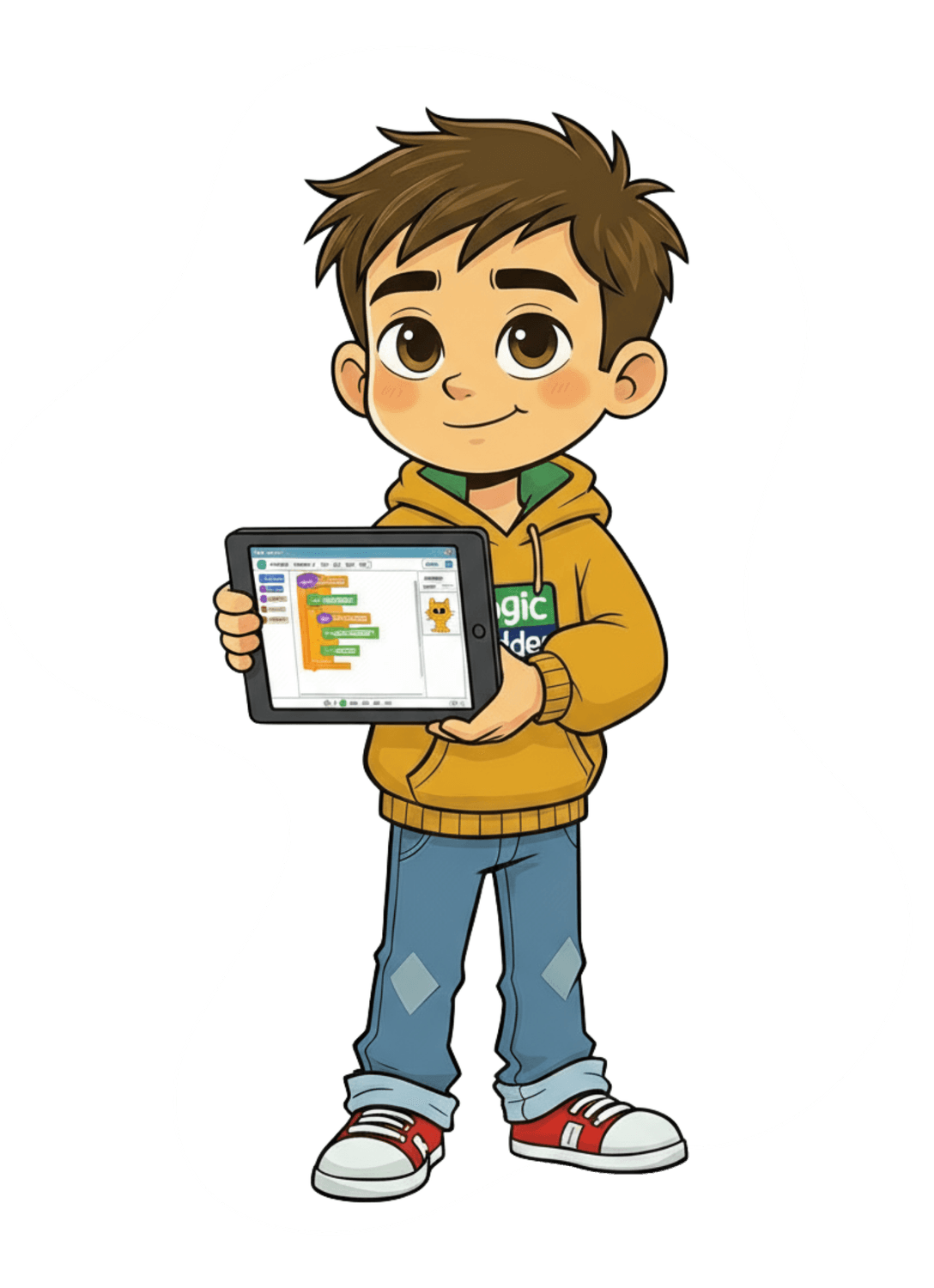
Let your child try Module 1 of our CodeBlocks Scratch course — completely free. Watch them build their first animation in under an hour. 🚀
✓ Instant access · ✓ No credit card
· ✓ Ages 7–13
Start Your Free Lesson Today
Be one of the first to join our growing community
Name of Child
Age of Child
Phone Number (for WhatsApp support group)
Email Address
🔒 We respect your privacy. No spam, ever.
Everything in Code Blocks (Scratch )
Module 1 — Free
What's included
🎬 Video Lessons
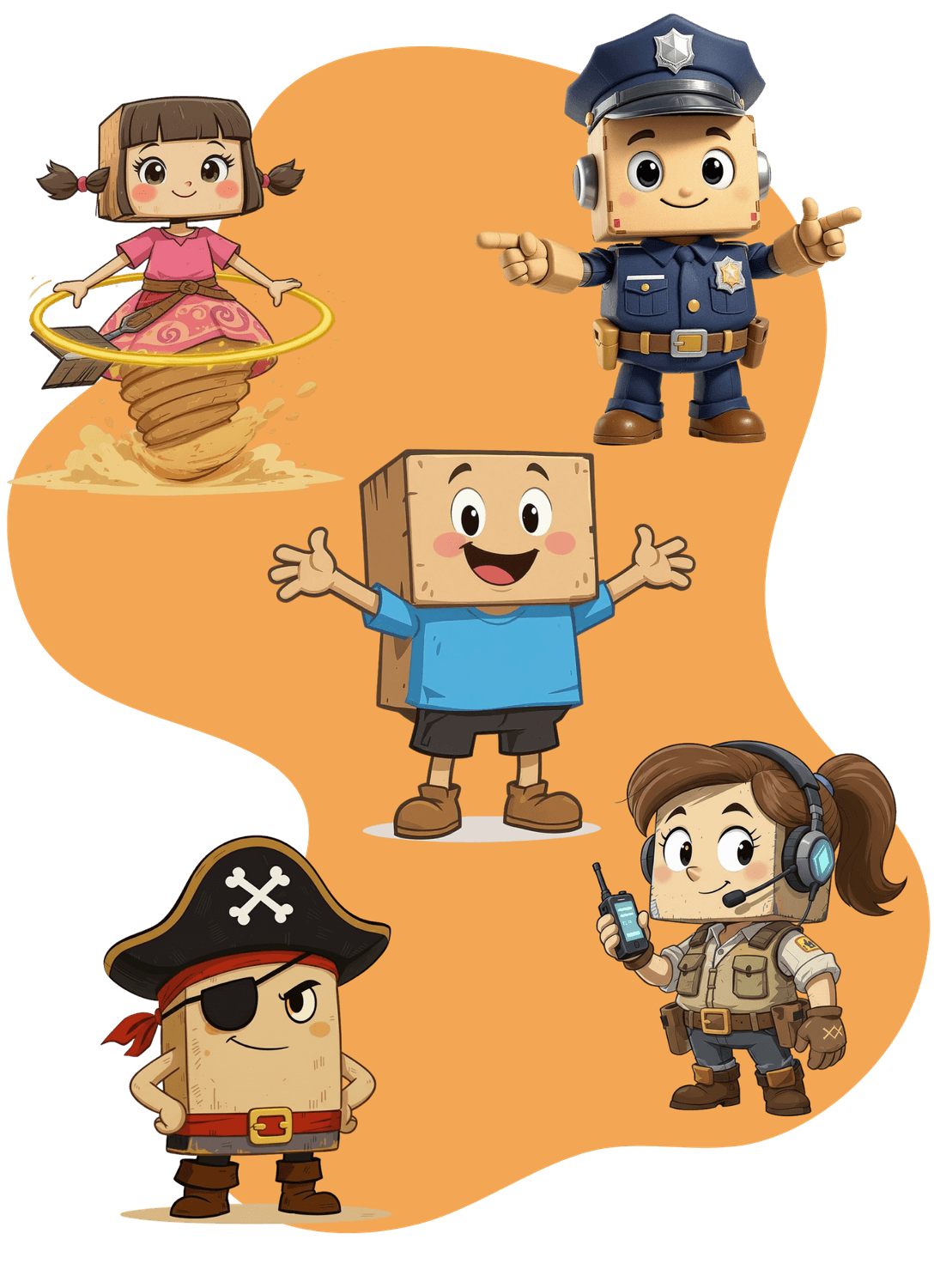
Short, fun videos that explain coding concepts through our unique CodeBlocks characters — no boring lectures!
🛠️ Hands-On Projects
Your child builds a real animated Scratch project from scratch — not just watching, but actually creating.
🤝 Live Support
Stuck? Our weekly live support sessions mean your child never falls behind. Help is always there.
🧩 Fun Exercises
Mini challenges after each lesson to lock in the learning — designed to feel like a game, not homework.
Course Roadmap
See What They'll Learn & Build
Step into Codeville and discover what coding is really about!
In this module, your child will learn how computers think, explore the Scratch interface, and build their very first talking, moving cat project. Along the way they'll pick up keyboard shortcuts from our Computer Pro Tip.
By the end, they'll submit their "My First Talking Cat" project.🎓
Lessons include:
Welcome to Codeville
What is Coding Anyway?
How Do We Talk to Computers?
Let's Get Scratching
Meet Your Coding Playground
Computer Pro Tip: Keyboard Shortcuts
Your First Scratch Project
Meet Varia-Bull, the Memory Master of Variable Valley! Your child will discover how computers store and change information — and build a Score Counter Game and Magic Name Teller along the way.
Welcome to Loop Lagoon! Your child will learn how to make computers repeat actions automatically — and stop Bug Beard from causing infinite loop chaos!
Down on Decision Street, Condi-Tion teaches kids how programs make choices. They'll build a Password Door and a Guess the Color Game using if/else logic.
Inside the Function Factory, Funcy shows how real coders keep their programs clean and organised. Your child will learn to write smart, reusable code.
The final mission! Your child uses everything they've learned to build a complete game with scores, levels, win/lose conditions — and one last Bug Beard challenge before graduation.
How It Works
Simple as 1-2-3

1. Sign Up Free
Enter your email above and get instant access — no payment, no fuss.
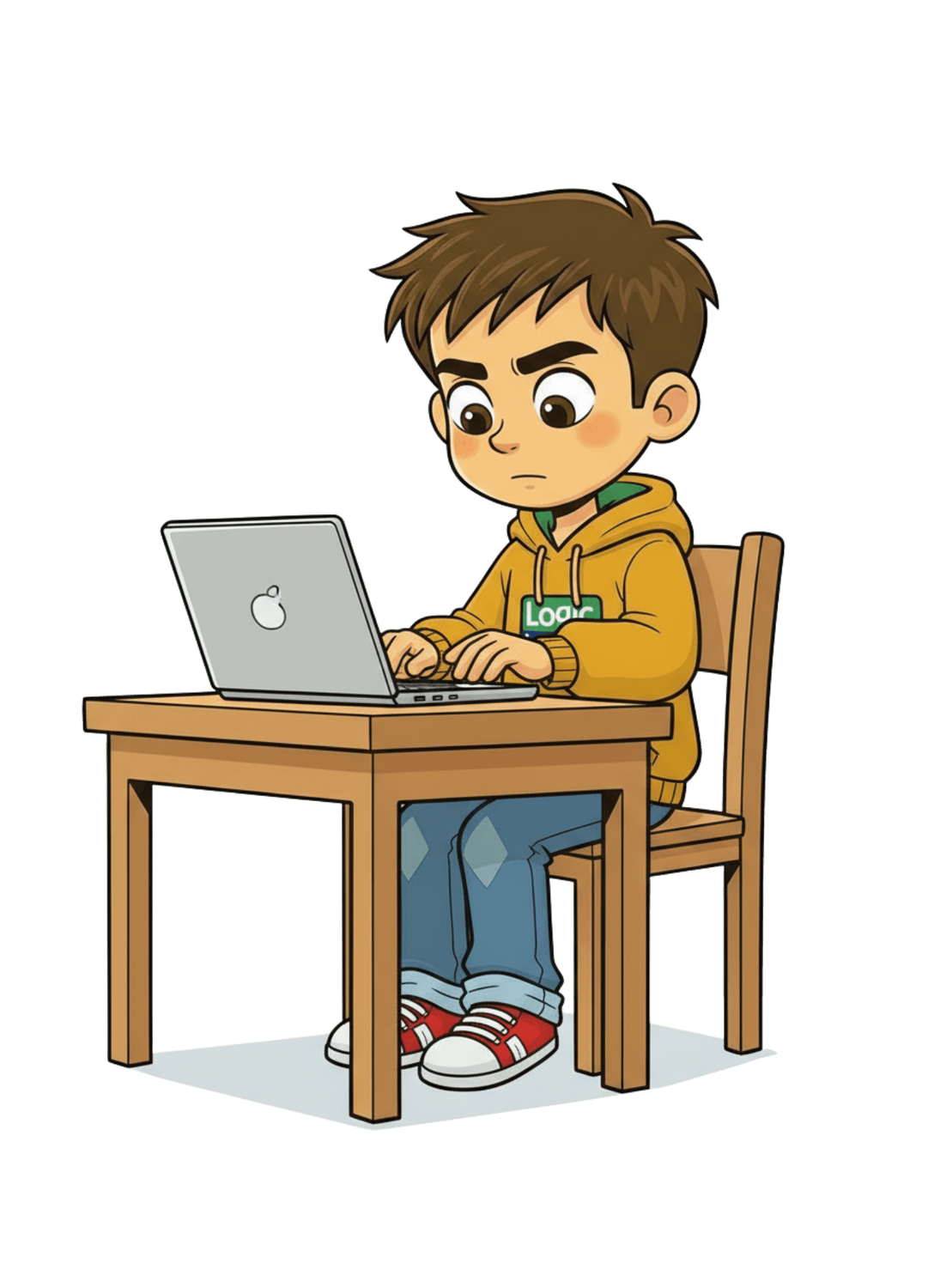
2. Your Child Codes
They watch the lessons, follow along in Scratch, and build their first project.

3. Watch Them Shine
Within the first session, your child will have created something they're proud of.
Our Teaching Style
🖼️ Comic-Style Lessons
Coding concepts explained through fun stories and comic strips — so abstract ideas actually stick
🐛 Bug Beard Challenges
Meet Bug Beard — our mischievous bug character who sneaks errors into the code. Can your child catch him?
⌨️ Pro-Tips
Every module includes a real-world computer pro-tip that makes kids feel like proper tech experts
Parents love it
What Families Say

Dr. Anum
Parent of 9-year-old
"My son absolutely loved the CodeBlocks Scratch lessons! The characters made coding feel like an adventure instead of a school subject. He's waiting eagerly for the next module!"


Sophia L.
Parent of 11-year-old
"Within a week my daughter was showing me her first animated project. I never imagined she'd get so confident with coding this fast!"

James P.
Computer Science Teacher & Parent
"As a teacher I can say Logic Ladder's approach is spot-on for kids. The visuals, small projects, and storytelling make complex ideas genuinely simple."
Ready to start?
Your child's first project is one click away
Your Child's Coding Journey
Starts Right Now
Free. Instant. No credit card. Just pure coding fun 🎉
Grab Your Free Module
Takes less than 60 seconds to sign up
© 2025 Logic Ladder Ltd · 71-75 Shelton Street, Covent Garden, London WC2H 9JQ
Questions? WhatsApp: +44-7384-600797 · bitzy.logicladder@gmail.com